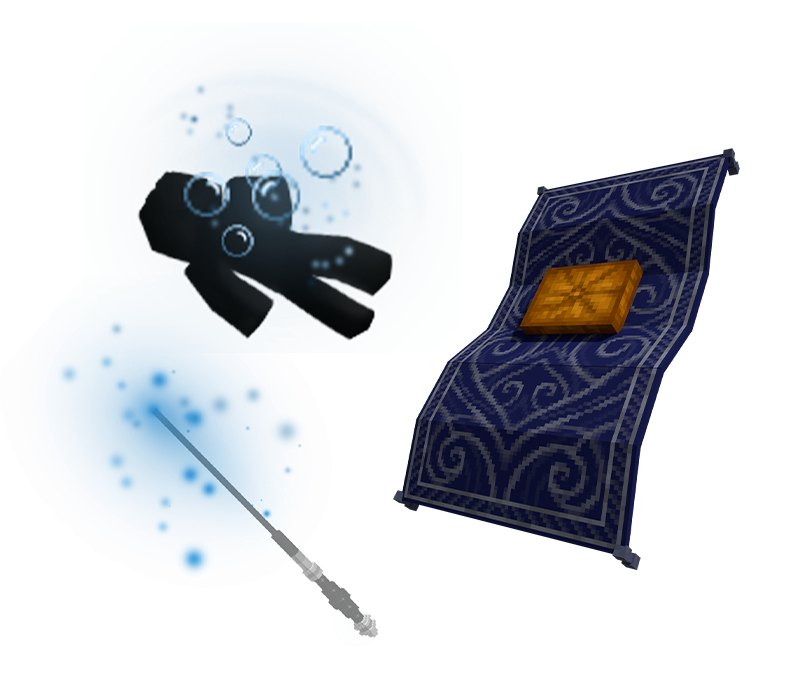


How can you use your new items?
Log on in-game and wait for the purchase to process - you'll receive a message in chat when this occurs.
To equip your new broom appearance, simply type /brooms. Your Broom Appearances GUI will open and from there, you can select your new mount. To return your broom back to its original state, return to the Broom Appearances GUI and select Reset Broom. Note that you must already have a broom in-game in order to use this appearance.
To use your new wand effect colour, simply type /wands and select Wand Effects. Your Wand Effects GUI will open and from there, you can select your new wand effect colour. To disable the wand effect, return to your Wand Effects GUI and select No Wand Effects.
Want to try these items out in-game?
Log on in-game and type /me and then click on the In-Game Store button. You can then visit Madame Hooke's, Mr. Jollivan's Wand Shop, or the Miscellaneous store, and right-click the store owners to open GUIs containing every broom appearance, wand effect, and death effect we sell on the store. Select the relevant item to view it in-game!
This bundle includes three items: