


How can you use your new pet?
Log on in-game and wait for the purchase to process - you'll receive a message in chat when this occurs. To spawn your new pet, simply type /pets. Your Pets GUI will open and from there, you can select your new pet. To despawn your pet, type /pet hide to hide your pet temporarily or /pet remove to despawn your pet until you choose to respawn it. To name your pet, type /pet name <name> with the name of the pet replacing <name>. Please ensure your pet's name is following all Potterworld rules! You can do /pet help to view all pet commands.
Want to try this pet out in-game?
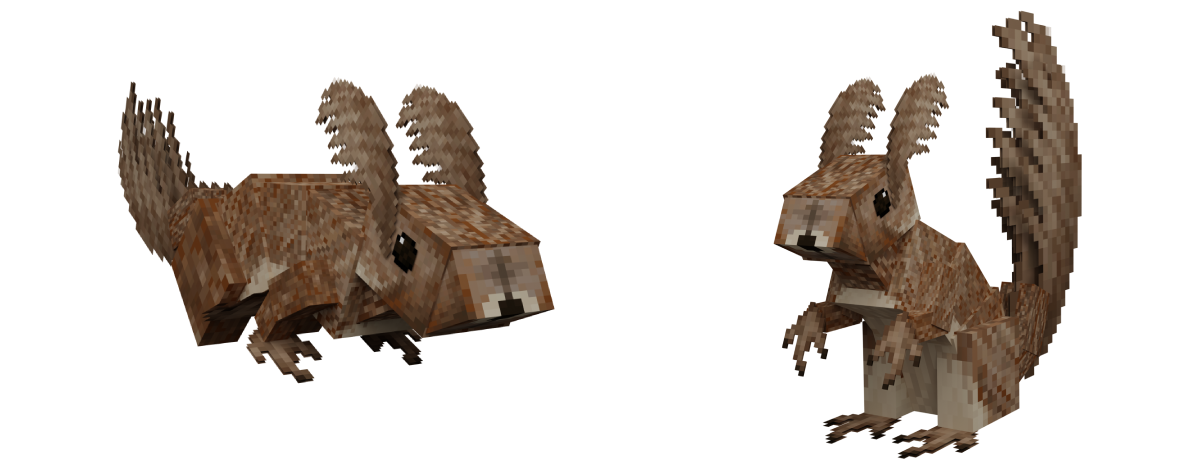
Log on in-game and type /me and then click on the In-Game Store button. You can then visit Nash Scarper's store and right-click him to open a GUI containing every pet we sell on the store. Select the Pet Squirrel to see what this pet would look like following you!
Hi there, stranger! Are you looking for the December 2024 Hidden Coupon? Find me in-game to start your journey! I will await you close to where you arrived on your first day, though remember I am a bit shy.