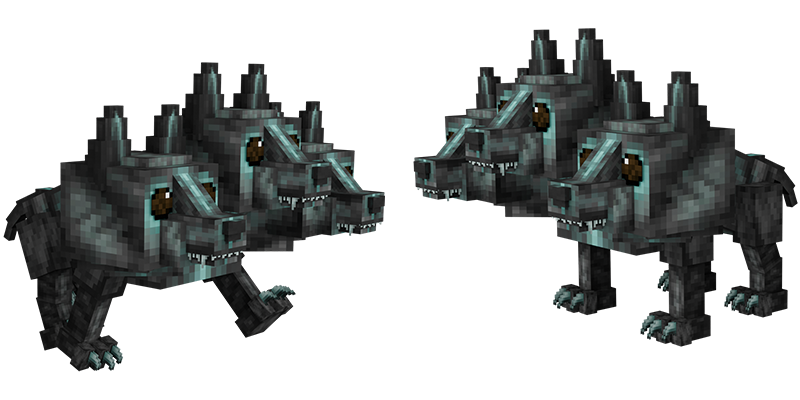


How can you use your new pet?
Log on in-game and wait for the purchase to process - you'll receive a message in chat when this occurs. To spawn your new pet, simply type /pets. Your Pets GUI will open and from there, you can select your new pet. To despawn your pet, type /pet hide to hide your pet temporarily or /pet remove to despawn your pet until you choose to respawn it. To name your pet, type /pet name <name> with the name of the pet replacing <name>. Please ensure your pet's name is following all Potterworld rules! You can do /pet help to view all pet commands.
Want to try this pet out in-game?
Log on in-game and type /me and then click on the In-Game Store button. You can then visit Nate Salamander's store and right-click him to open a GUI containing every pet we sell on the store. Select the Pet Cerberus to see what this pet would look like following you!