


How can you use your new housing scenery?
Log on in-game and wait for the purchase to process - you'll receive a message in chat when this occurs. To equip your new Greek Myths Scenery, go to your housing via the command /housing and simply type /house scenery. Your Housing Sceneries GUI will open and from there, you can select your new scenery. To return your housing to using the default scenery, return to the Housing Sceneries GUI and select Default Scenery.
Want to see this scenery in-game?
Log on in-game and type /me and then click on the In-Game Store button. You can then visit Mary Weaselby and right click her to open a GUI containing every scenery we sell on the store. Select the Greek Myths Scenery to see what this scenery looks like. You can also see what the scenery looks like at different times of the day by using the spell in your in-game store wand or by talking to the house-elf.
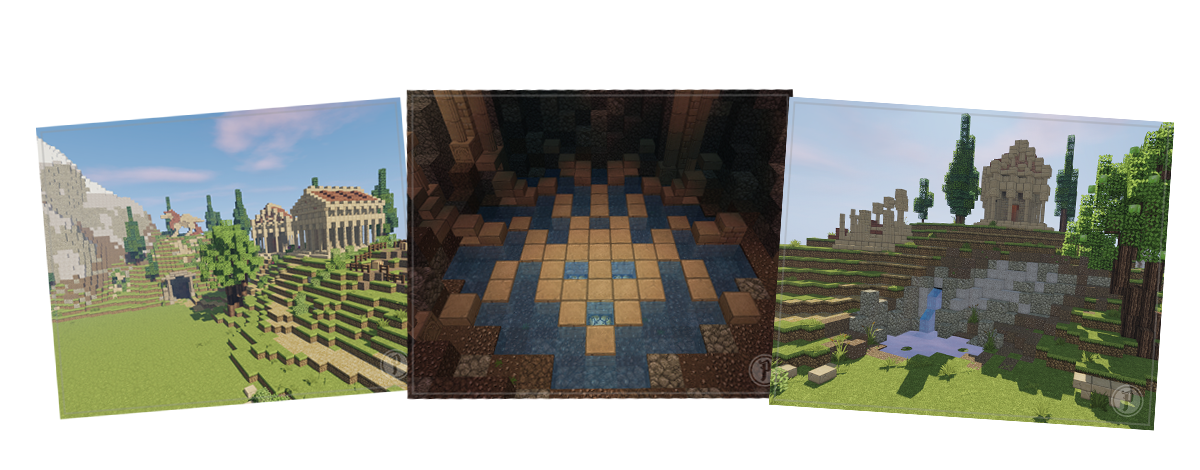
Built by: fleurtje0726 and trashdotcom