


How can you use your new broom appearance?
Log on in-game and wait for the purchase to process - you'll receive a message in chat when this occurs. To equip your new broom appearance, simply type /brooms. Your Broom Appearances GUI will open and from there, you can select your new mount. To return your broom back to its original state, return to the Broom Appearances GUI and select Reset Broom. Note that you must already have a broom in-game in order to use this appearance.
Want to try this broom appearance out in-game?
Log on in-game and type /me and then click on the In-Game Store button. You can then visit Madame Celer's Quabbleball Shop and right-click her to open a GUI containing every broom appearance we sell on the store. Select the Fairy Broom to see what you'd look like while riding this broom!
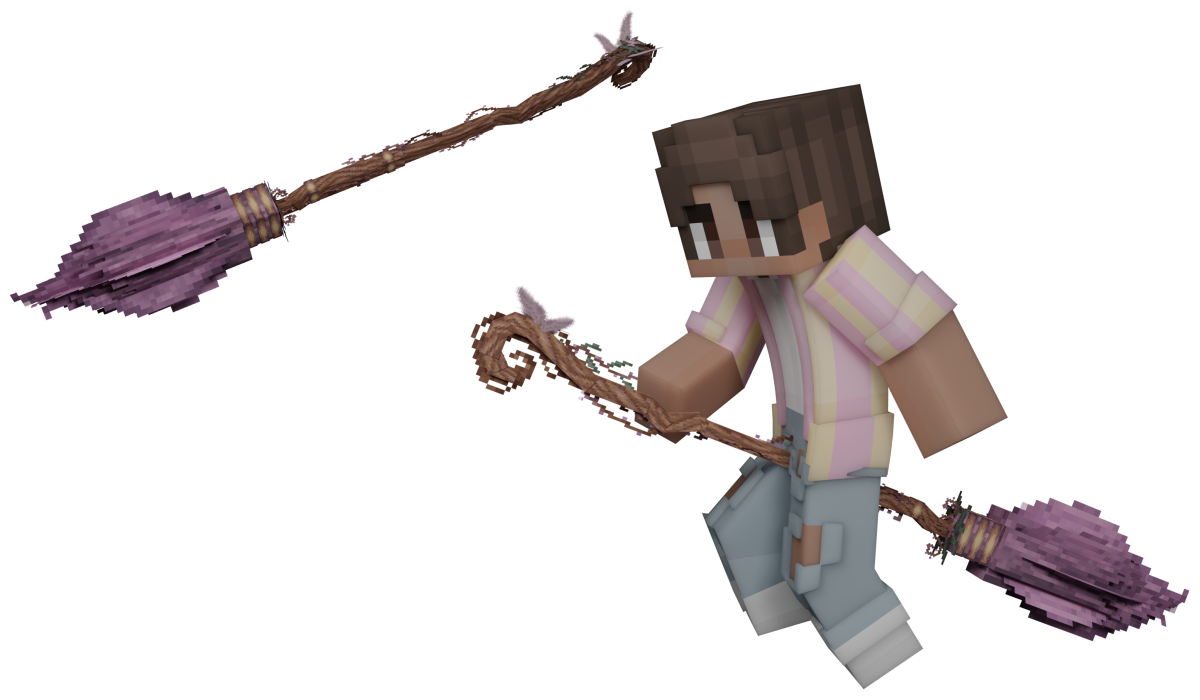
Model by: Droobledore
Icon by: heyitslena
Renders by: M_Engel
Visual by: Teheeo