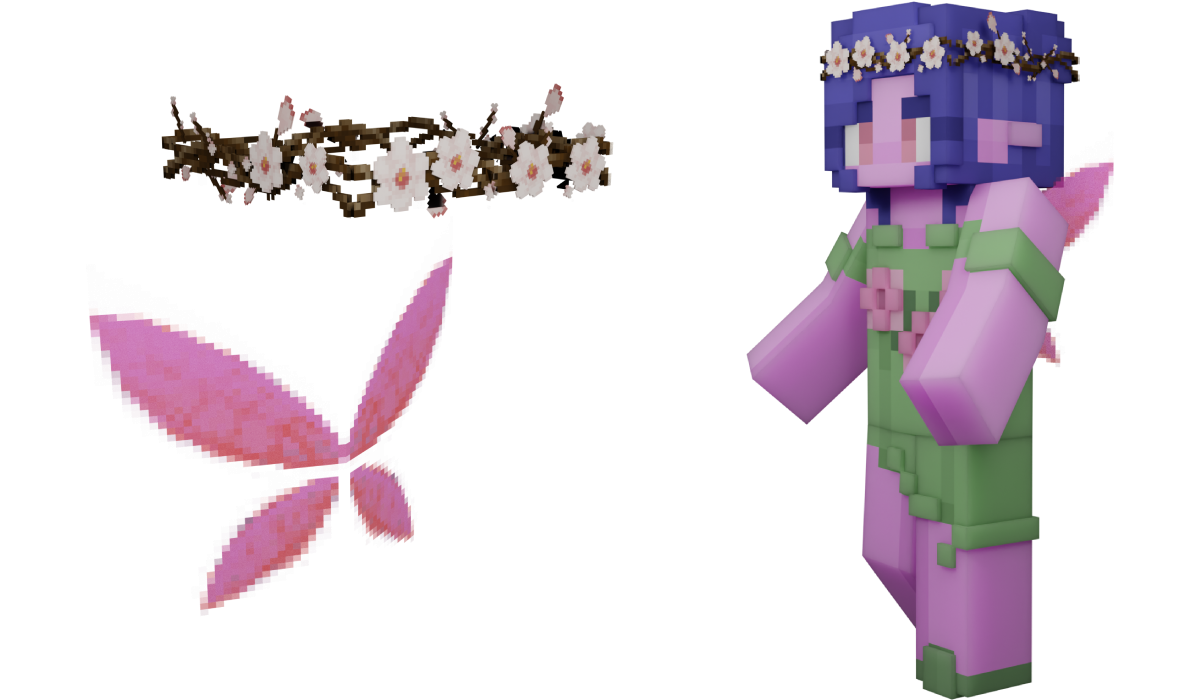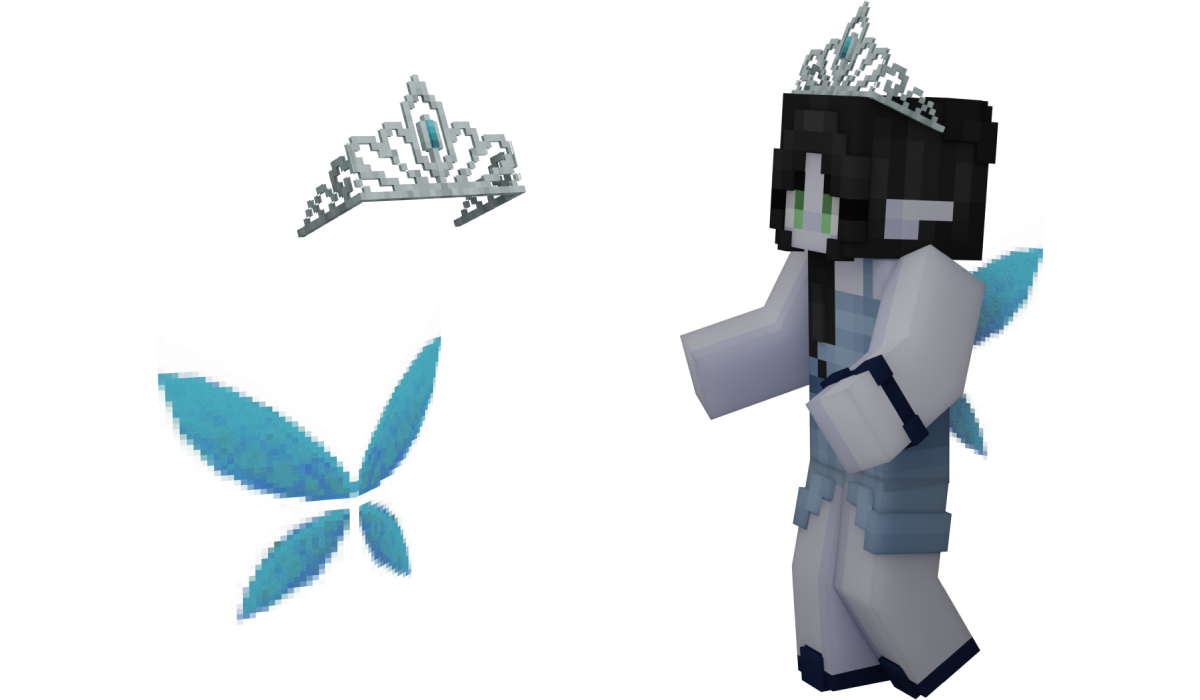


What does this package give you?
Purchasing this package gives you the following:
How can you use your new items?
Log on in-game and wait for the purchase to process. You will receive a chat message when this occurs. Next, type /me to open your profile GUI and click the “Personalisation” button. Here, you can access most of your cosmetics. You can also use the individual commands found on our wiki here. Your emote can be accessed by shift-clicking another player and clicking “Emotes.”
Want to try out the perks in-game?
Log on in-game, type /me, and click the In-Game Store button. You can then visit the Shady Dealer outdoors to the right of the Miscellaneous Shop to preview the allegiance spells. Head upstairs into the shop to the right of the Shady Dealer to talk to Gregory Blackwell to preview all allegiance and club perks. You can also preview some perks in the GIFs and screenshots below!