

How can you use your new items?
Log on in-game and wait for the purchase to process - you'll receive a message in chat when this occurs.
To use your new wand effect colour, simply type /wands and select Wand Effects. Your Wand Effects GUI will open and from there, you can select your new wand effect colour. To disable the wand effect, return to your Wand Effects GUI and select No Wand Effects.
Want to try these items out in-game?
Log on in-game and type /me and then click on the In-Game Store button. You can then visit Madam Texere, Madam Celar, or Mr. Jollivan and right-click the store owners to open GUIs containing every wand appearance, warp key appearance, and pet we sell on the store. Select the relevant item to view it in-game!
This bundle includes three items:
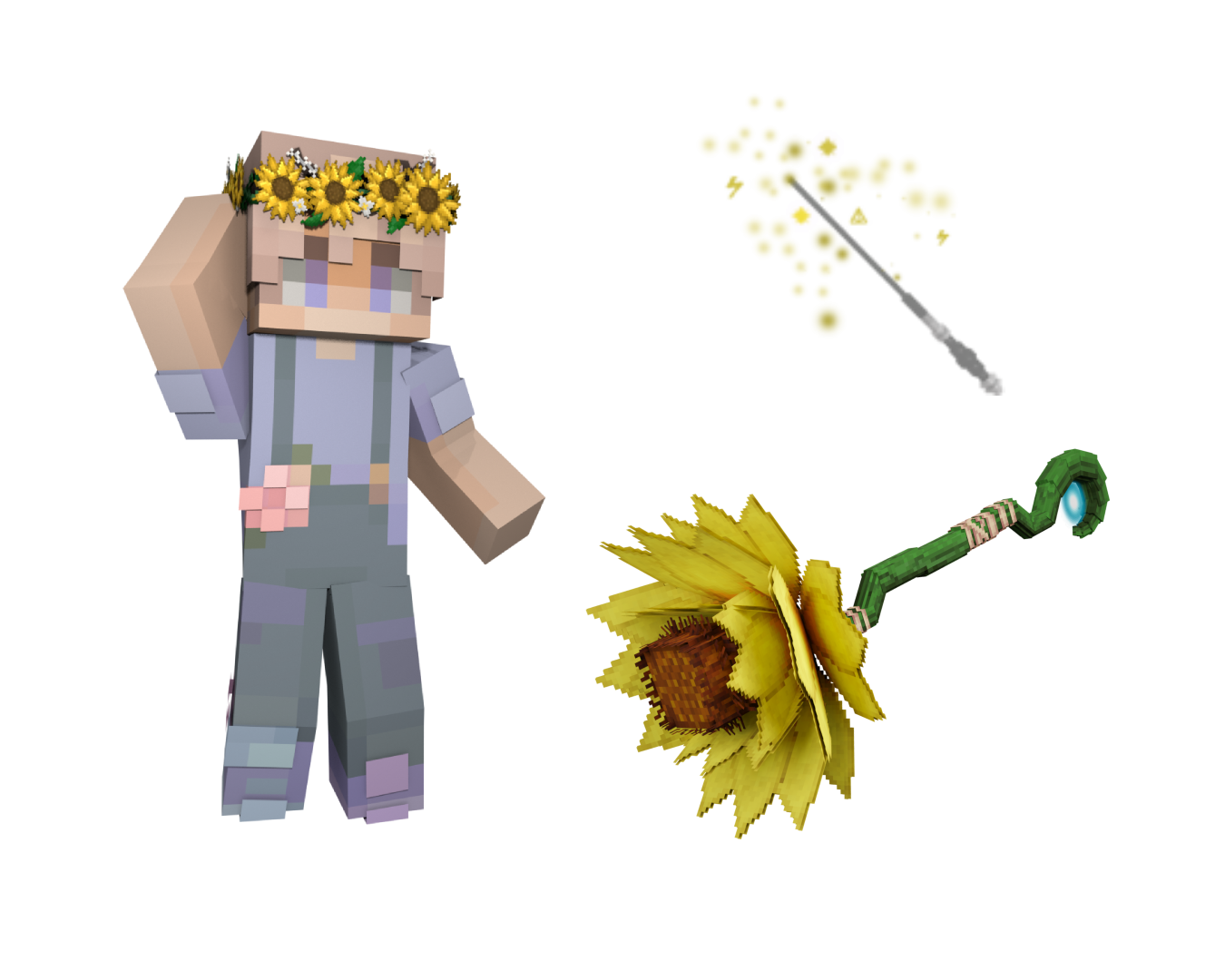
Icon by: heyitslena
Visual by: Teheeo